
Turn on alerts
On Android
- Sign in at eachwayedge.com in Chrome.
- Tap Alerts: Off twice, until it reads Alerts: All.

- Allow notifications when Chrome asks.
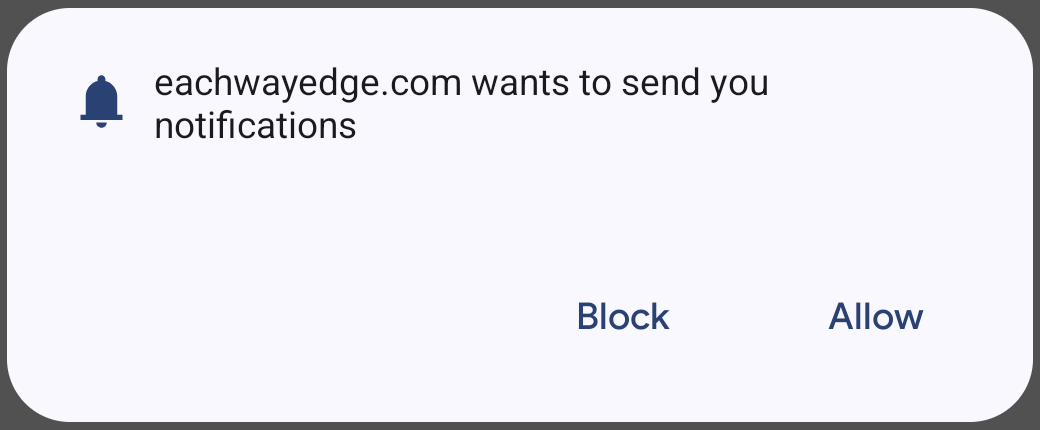
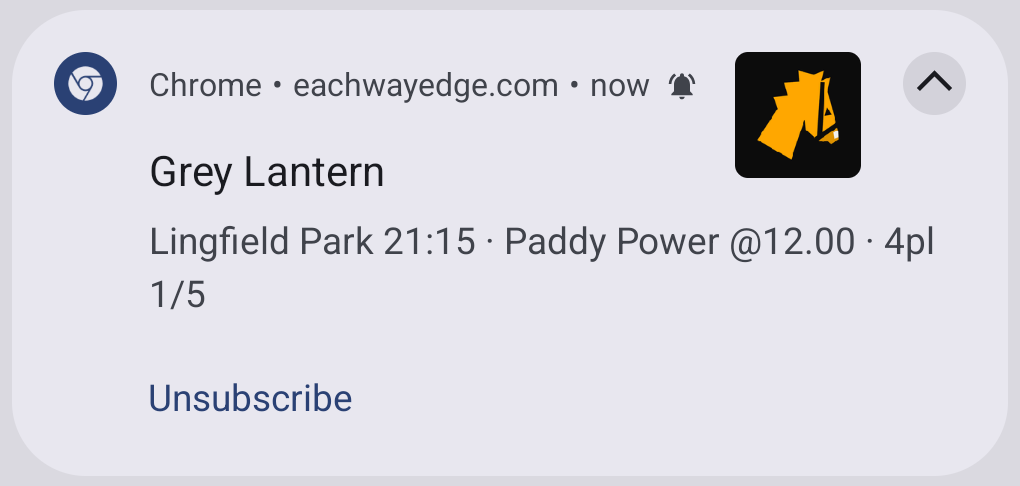
Alerts arrive with the board closed.
On iPhone
- Sign in at eachwayedge.com in Safari.
- Tap Share.
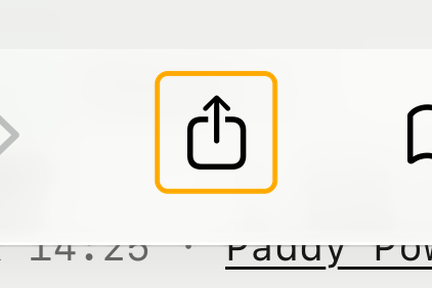
- Tap View More, then Add to Home Screen.
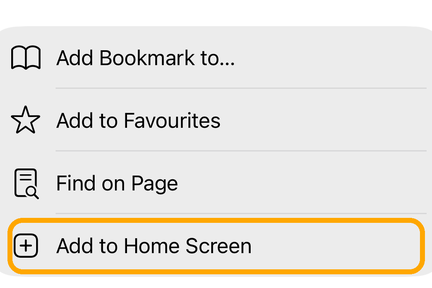
- Open EWEdge from your Home Screen.
- Tap Alerts: Off twice, until it reads Alerts: All.
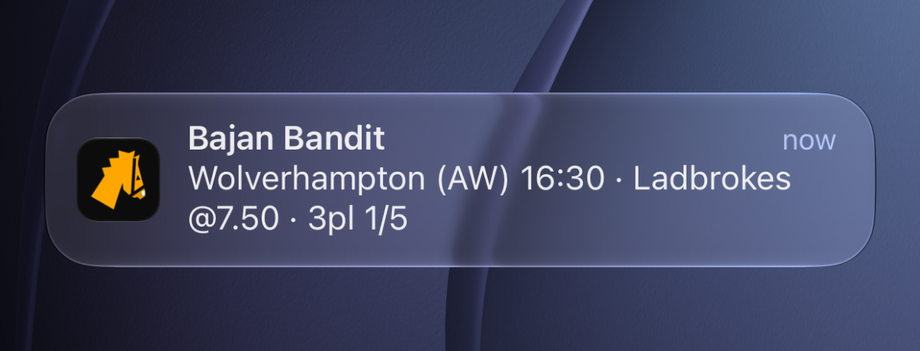
- Allow notifications when your iPhone asks.


Alerts arrive with the board closed.
On a computer
- Sign in at eachwayedge.com.
- Click Alert: off, so it reads Alert: on.
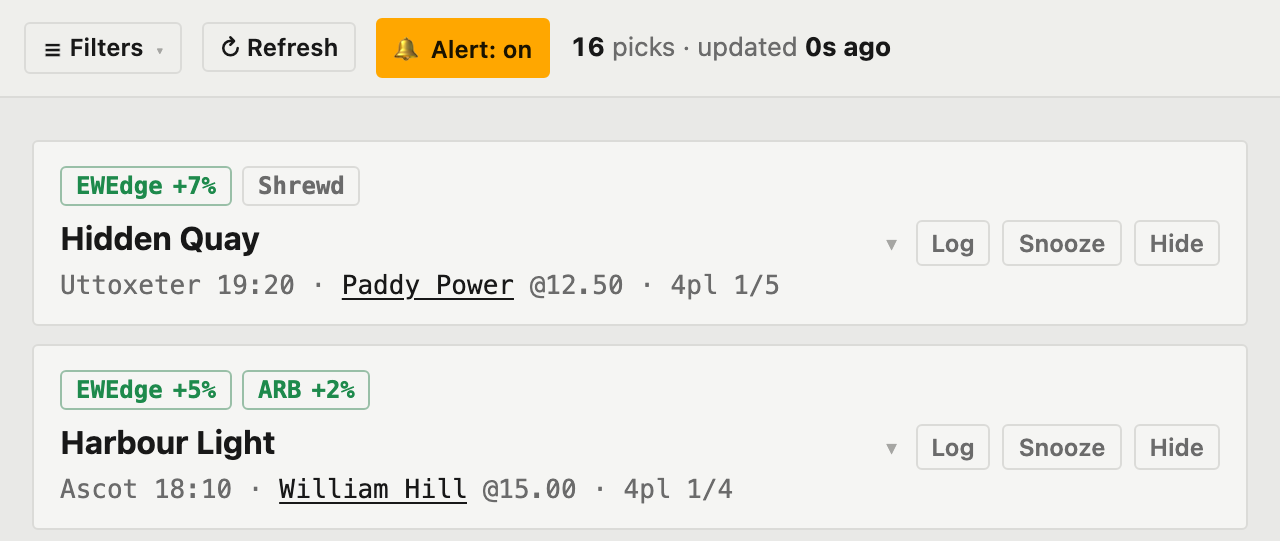
- Allow notifications when your browser asks.
Alerts arrive while the board is open in a tab.
See the value for £1
7-day trial, full access to every each-way pick. Cancel anytime.
then £19.99/mo, billed monthly
Compare all plans →